
UBET Account & Wallet Guide: Deposits, Transfers, Withdrawals
Everything in your UBET account runs from the round floating menu: deposit into your main wallet, transfer credit into a game to play, transfer winnings back, and withdraw to your saved bank or e-wallet. This guide walks every screen with real screenshots — including the two steps that confuse new players most: wallet-to-game transfers and adding a withdrawal account.
Create your account and log in
Go to game.ubet.fun and sign up — you need a username, password and your currency (NPR, INR, USD, MYR, IDR, THB, VND or BDT). The currency choice matters: it decides which payment methods your cashier shows, and it can't be changed later without support. The whole platform runs in your browser; nothing to install.
The floating menu — your control centre
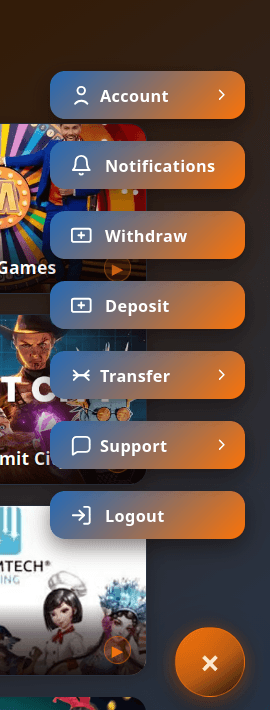
After logging in, the round floating button (bottom corner) opens UBET's main menu. Everything below — deposits, withdrawals, transfers, history — lives behind it.
Check your balance
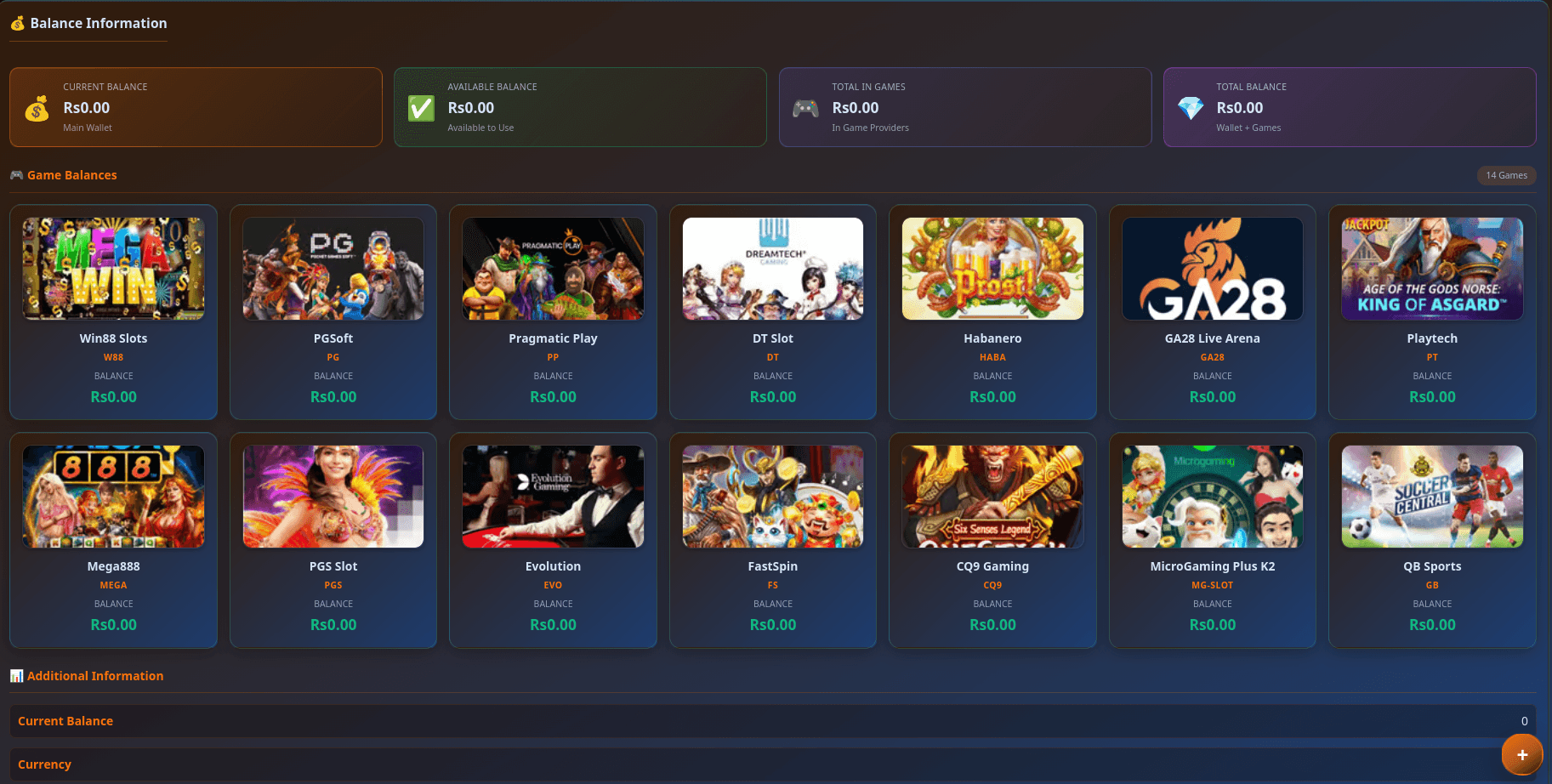
The wallet section shows your main balance and each game-provider balance separately. Your main wallet is where deposits arrive and withdrawals leave; provider balances are what's currently inside each game lobby.
Deposit funds
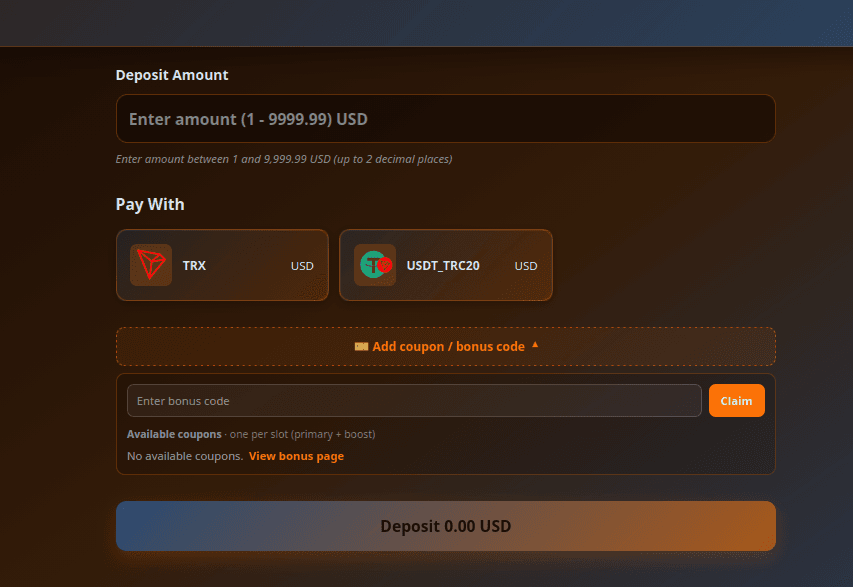
Open Deposit, pick your method (see the payment guides for currency-specific steps and limits), enter the amount and confirm. Most deposits credit within minutes.
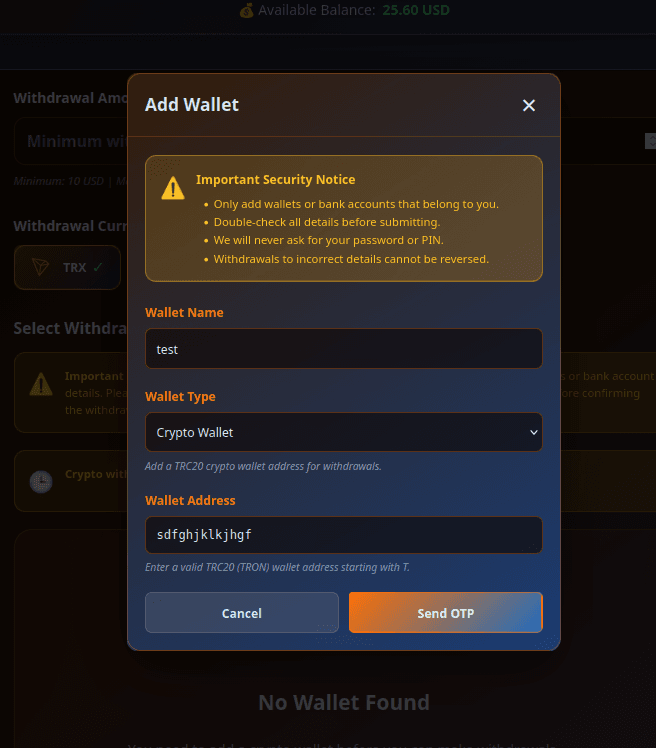
Add your bank or wallet for withdrawals
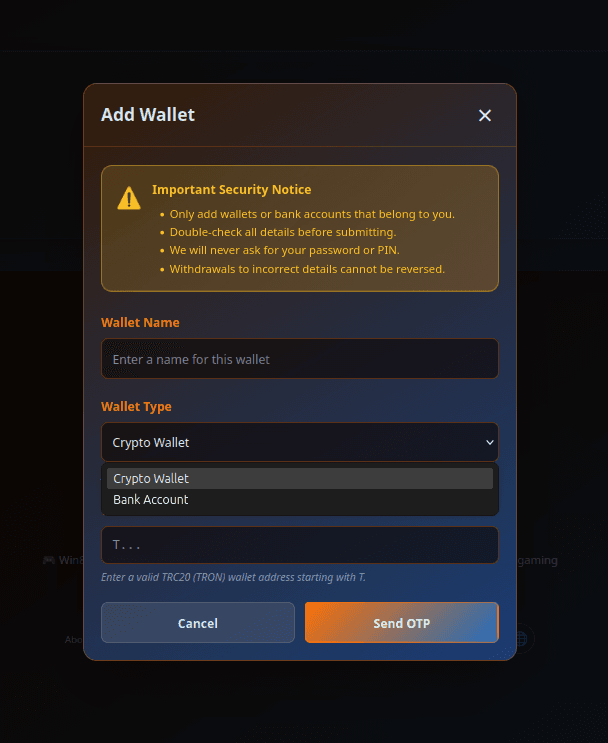
Before your first withdrawal, register where the money should go: a bank account or an e-wallet. Do this once and it's saved for future withdrawals. The account name should match your UBET identity to pass verification smoothly.
Move money between wallet and games
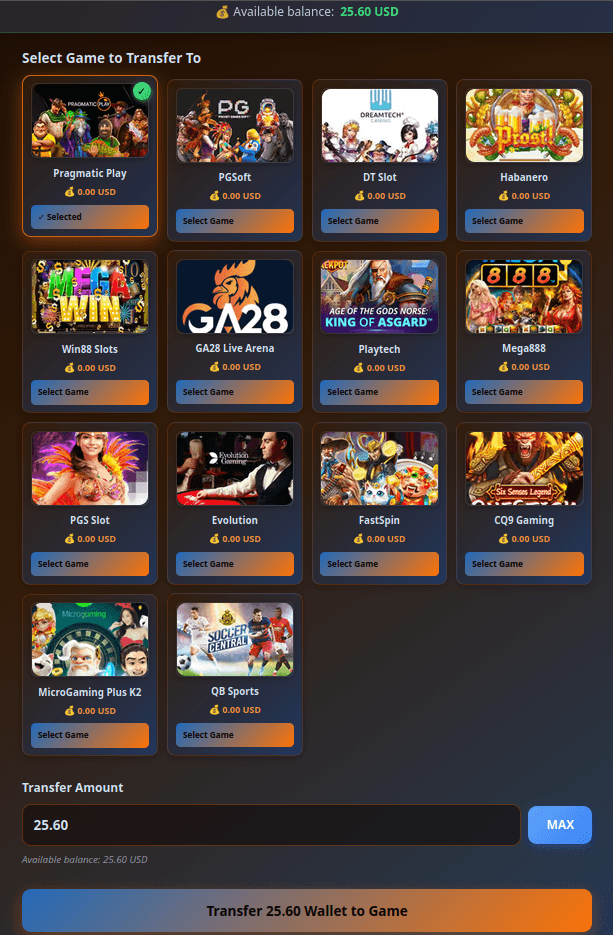
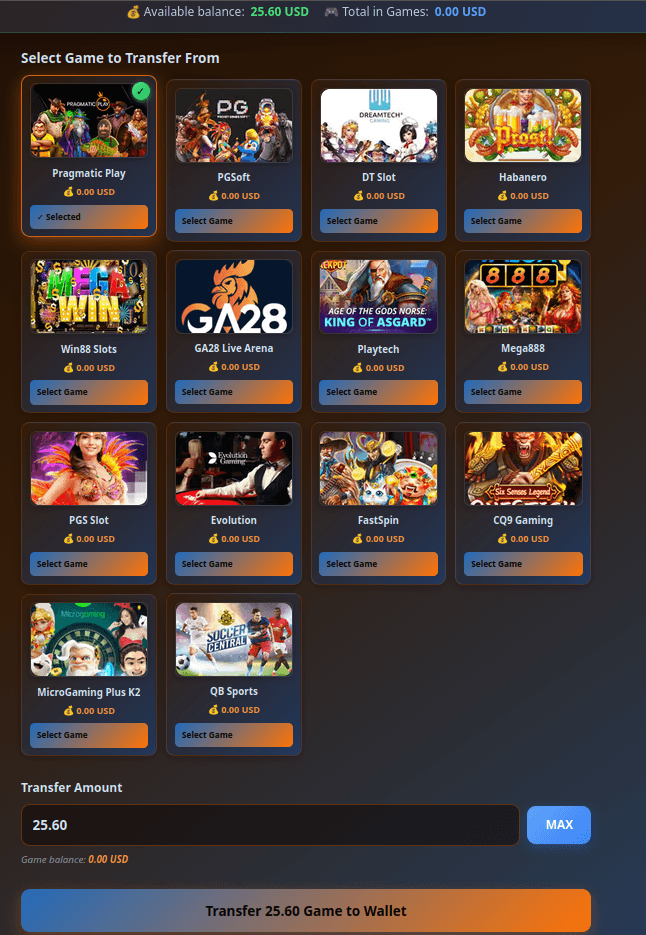
Game providers keep their own balance, so transfer credit from your main wallet into a provider before playing, and back again when you're done. Transfers are instant and free — this is also the fix when a game shows zero balance even though you've deposited.
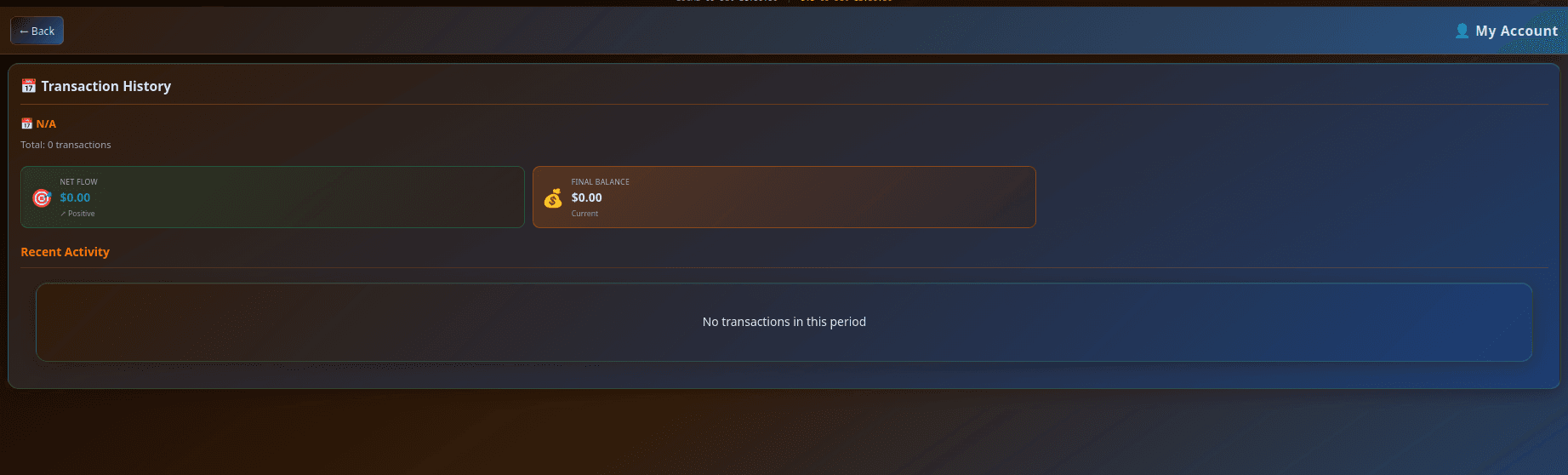
Track every transaction
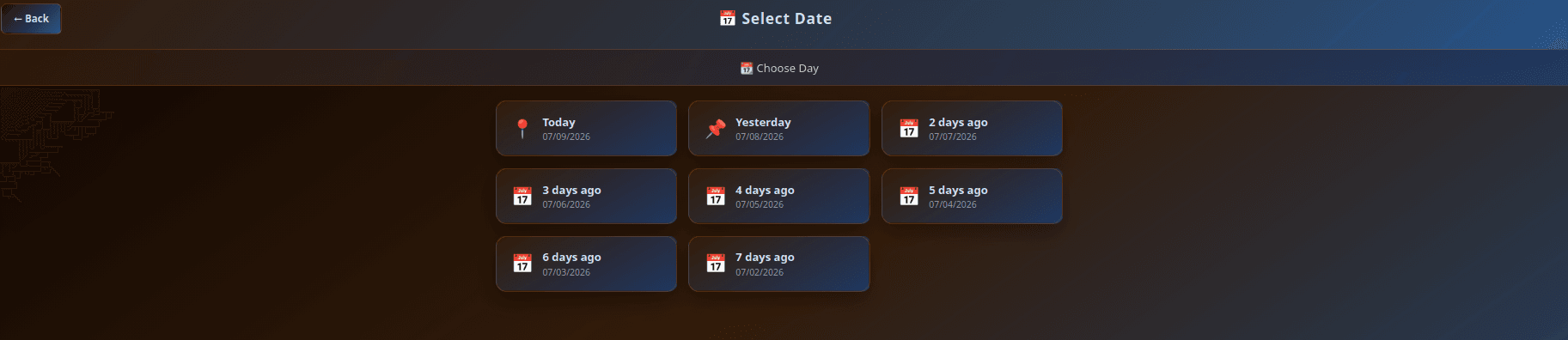
The Transactions section lists deposits, withdrawals and transfers with their status. If anything ever looks off, this history plus the transaction ID from your payment app is what support will ask for.
Bonuses and notifications
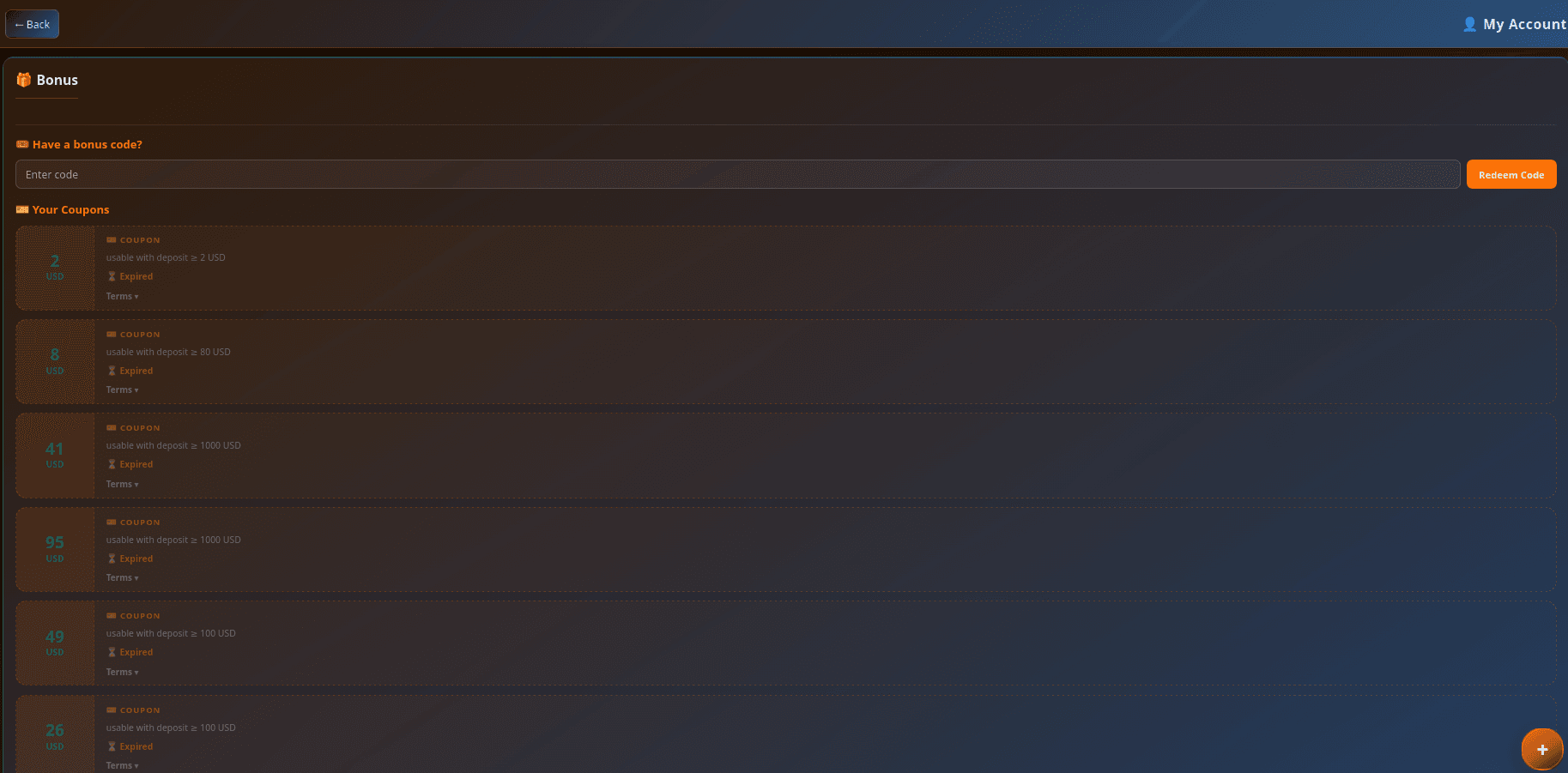
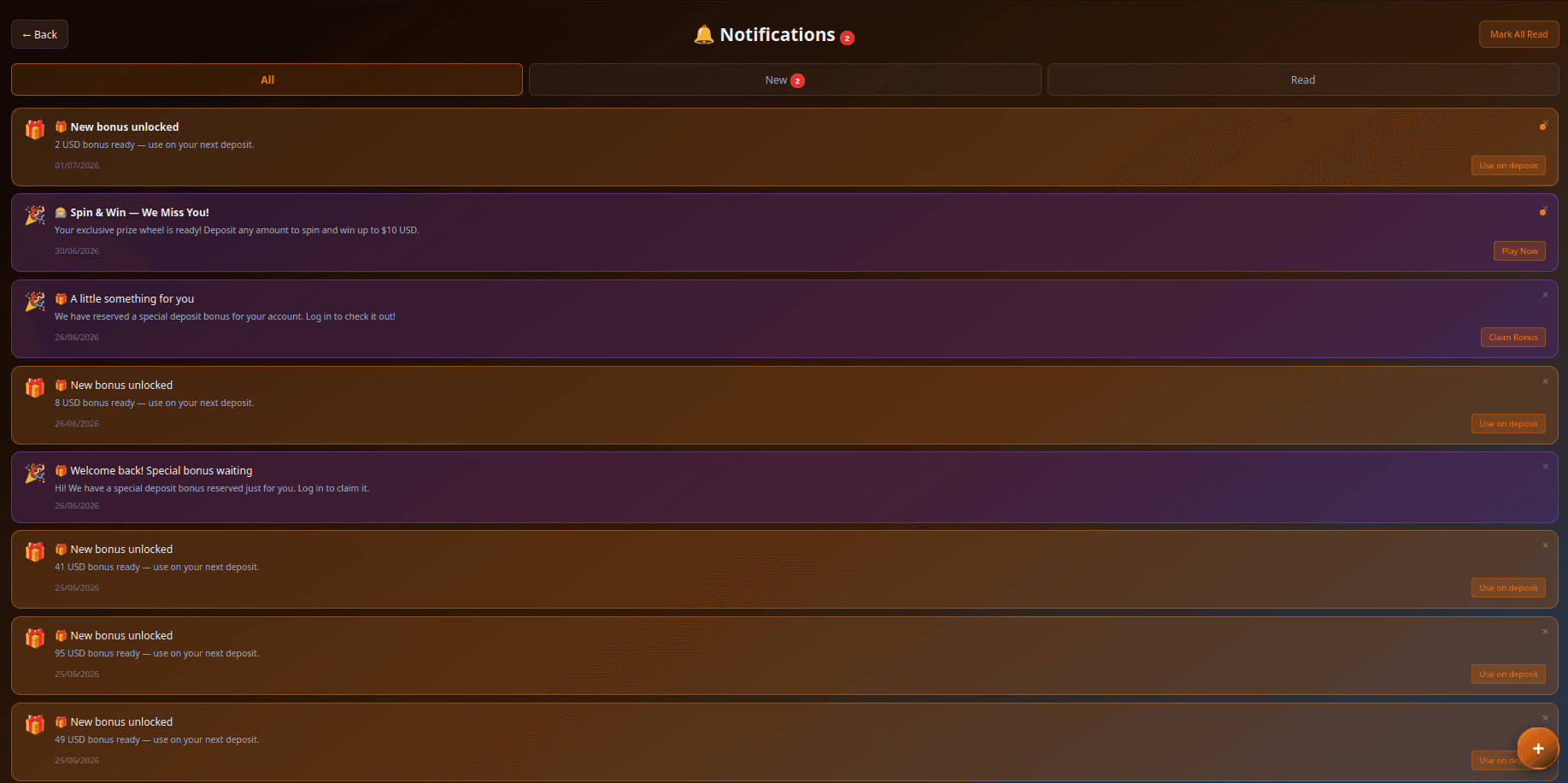
The Bonus section shows active promotions and any wagering conditions — always read the terms before opting in. Notifications keep deposit confirmations and announcements in one place.
Your profile and referrals
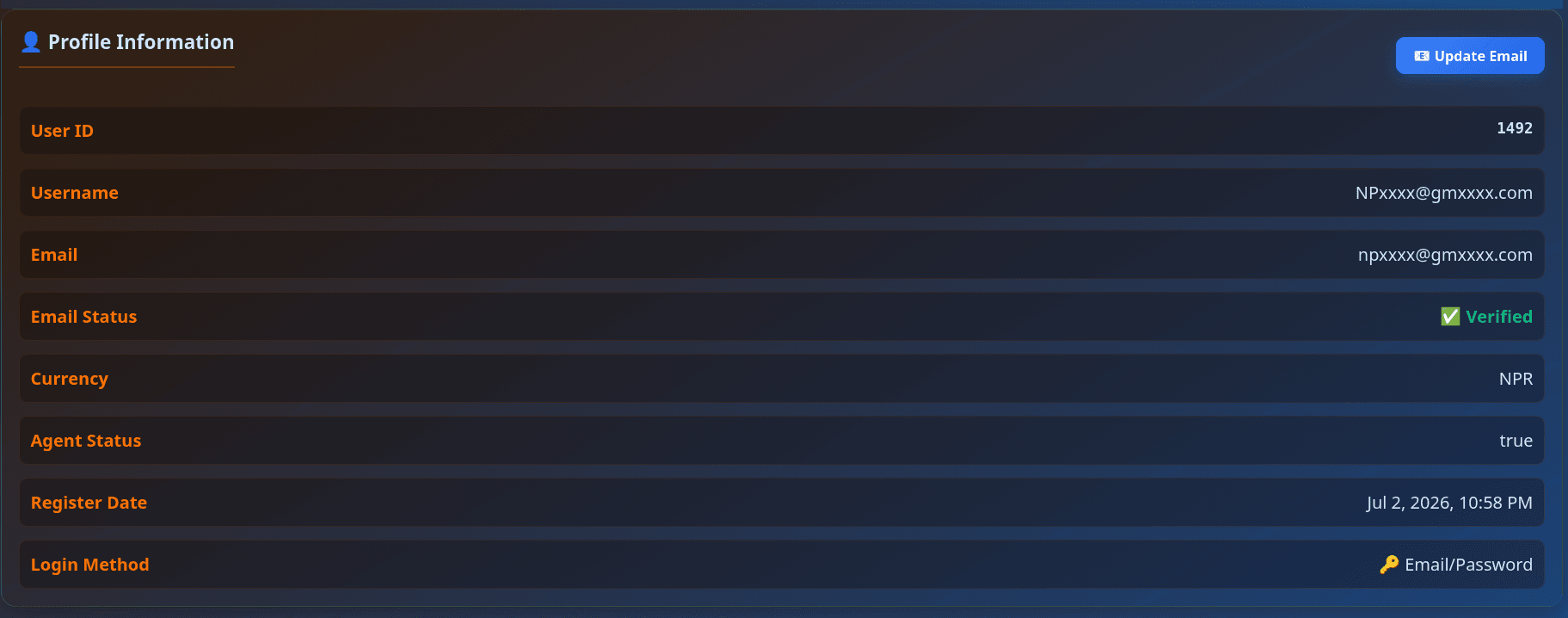
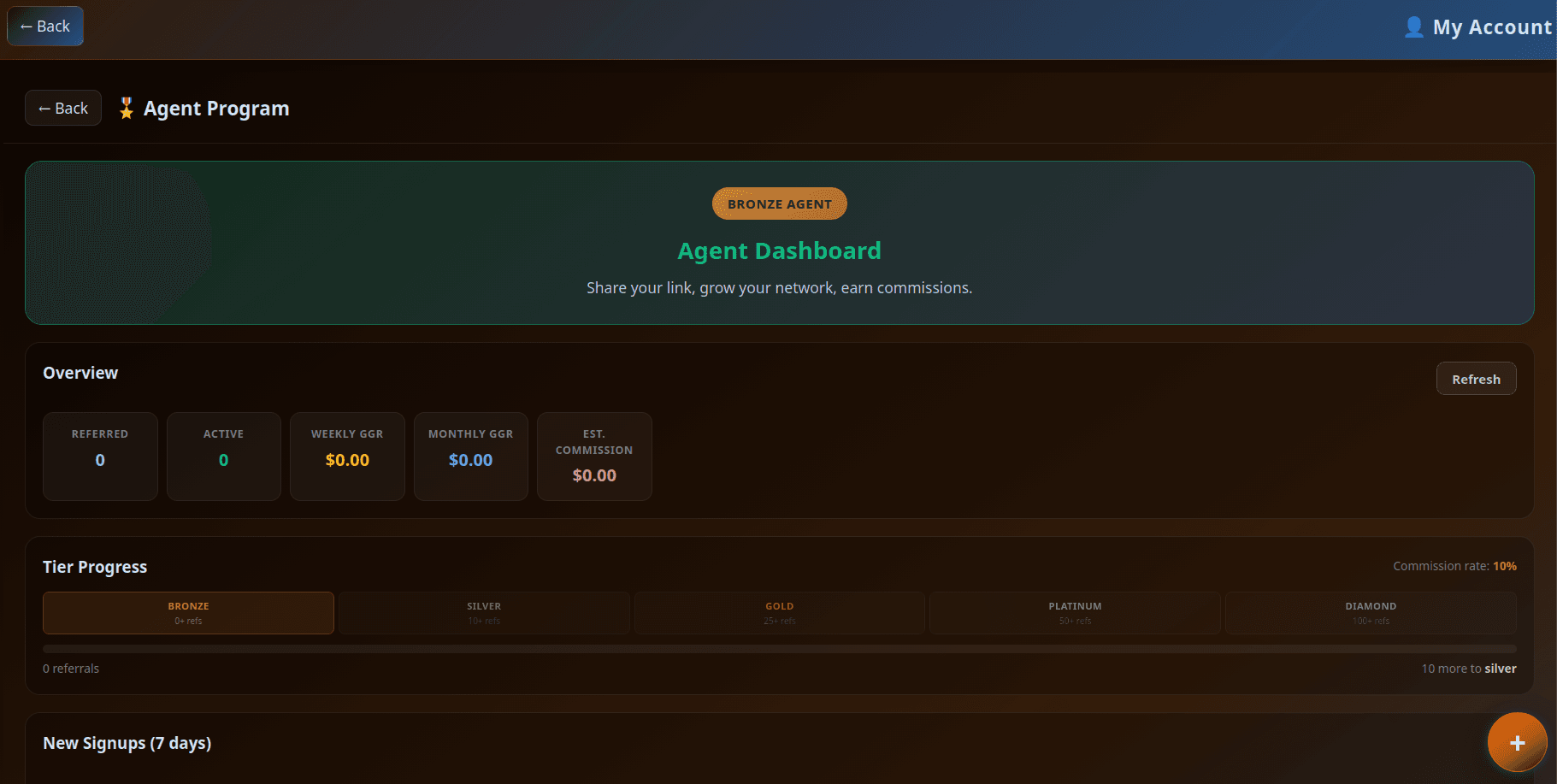
Profile holds your account details and KYC status. If you refer friends, the Affiliates section tracks your referral link and earnings.
Why play at UBET?
- 3,300+ games from 23 providers — Pragmatic Play, Evolution live casino, PGSoft, Playtech, NetEnt and more, all in one account
- Instant browser play — no app or APK to install (Mega888 is the single download-based exception), so you always have the latest version
- 8 currencies with local payment rails — eSewa/Khalti/Fonepay for Nepal, bKash for Bangladesh, QRIS for Indonesia, DuitNow for Malaysia, plus USDT for everyone
- Fast withdrawals — typically 5–30 minutes after approval
- 24/7 human support on Telegram — a real person, not a bot maze
Platform features worth knowing
Beyond the games themselves, a few built-in systems reward regular players:
- Player levels — your account levels up as you play, unlocking better perks over time
- Daily cashback — a portion of losses can come back as cashback credit, automatically
- Login streaks and missions — daily check-ins and simple challenges that pay small bonuses
- Bonus campaigns — seasonal promotions listed in the Bonus section; always read the wagering terms before opting in
- Referral earnings — share your affiliate link from the profile menu and earn from friends' play
Every reward has its own terms — the Bonus section shows exact conditions, and nothing is ever deducted for declining a promotion.
Play responsibly
Set a budget before you deposit, keep sessions short, and never chase losses. If it stops being fun, see our responsible play page. UBET is 18+ only.
Frequently asked questions
How do I create a UBET account?
Sign up free at game.ubet.fun with a username, password and your currency. Pick the currency carefully — it decides which payment methods you see and can't be changed later without contacting support.
Why does my game show zero balance after depositing?
Deposits land in your main wallet, while each game provider keeps its own balance. Open the transfer screen in the floating menu and move credit from the main wallet into the game — it's instant and free.
How do I withdraw my winnings?
First transfer winnings from the game back to your main wallet, then request a withdrawal to the bank account or e-wallet you registered. Withdrawals typically process in 5–30 minutes after approval.
Where do I see my past deposits and withdrawals?
Open the floating menu and go to Transactions — every deposit, withdrawal and transfer is listed with its status. Keep the transaction ID from your payment app if you ever need support.
Do I need to verify my identity (KYC)?
Usually before your first withdrawal. Submit a clear photo of your ID via your profile; reviews are typically done the same day. Using a bank/wallet account in your own name makes this smoother.
Ready to play?
Sign up on UBET — deposit with your local method or USDT and play 2000+ games.